ScoZu
A calmer
X4 Pro.
ScoZu is free software for the Xteink X4 Pro. It reads your books beautifully and leaves out the noise.
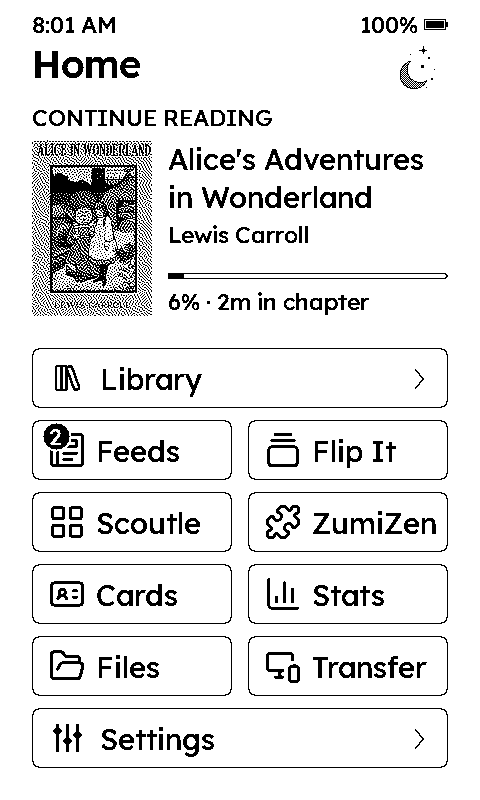
ScoZu is free software for the Xteink X4 Pro. It reads your books beautifully and leaves out the noise.
Everything runs on the X4 Pro. No account needed.
Your books by cover, title or author, with Continue Reading on Home and time left in each chapter.
The sites you follow, as clean articles. ScoZu checks them for you and skips the unreliable ones.
Flashcards made from the words you look up and the lines you highlight.
A daily word game and six daily puzzles, made for an e-ink screen.
Minutes read, a yearly goal and a year at a glance. Quiet, never nagging.
Add books, follow sites and change settings from your phone's browser, on the same Wi-Fi.
The iPhone app runs ScoZu on your phone, so you can read and play without the device. With an X4 Pro, it sends articles and books straight to it.
Coming soon: we're testing the first install on a stock X4 Pro. About five minutes when it's ready; your books on the SD card stay where they are.
ScoZu 1.0 · for the Xteink X4 Pro
Already on ScoZu? Updates come as a file: put it on the SD card, then Settings › System › Install Update from SD.